Streamlit Chat Message History
After Introduction to Streamlit, store turns in st.session_state with StreamlitChatMessageHistory. RunnableWithMessageHistory stays the same — only get_session_history returns the Streamlit store instead of Redis or MongoDB.
Before you start
Complete Introduction to Streamlit first. Here you add LangChain history to the same Shop Support Chat page — session_id is demo-1.
How it works
Streamlit reruns the script on each submit. A plain Python list would reset; StreamlitChatMessageHistory reads and writes st.session_state so prior turns survive the rerun.
Plain Python variable
history = []

# Lost when Streamlit reruns
# the script on each click
StreamlitChatMessageHistory
msgs = StreamlitChatMessageHistory(
    key="langchain_messages",
)

# Backed by st.session_state —
# survives reruns in the tabStreamlitChatMessageHistory reads and writes st.session_state[key] so past turns are still there.Install
Activate the venv from Project Setup, then install Streamlit and the community package. See Streamlit installation if you have not set it up yet.
pip install streamlit langchain-community
get_session_history
Create one StreamlitChatMessageHistory instance and return it from a lambda — messages live in st.session_state["langchain_messages"].
from langchain_community.chat_message_histories import StreamlitChatMessageHistory

msgs = StreamlitChatMessageHistory(key="langchain_messages")
st.session_state
langchain_messages. Pass a custom key= if you run multiple history stores in one app.Wrap and invoke
Same wrapper and invoke call as MongoDB Chat Message History — lambda session_id: msgs replaces get_session_history.
chain_with_history = RunnableWithMessageHistory(
    chain,
    lambda session_id: msgs,
    input_messages_key="input",
    history_messages_key="history",
)

config = {"configurable": {"session_id": "demo-1"}}
Each submit
On every rerun, render prior messages with st.chat_message. When st.chat_input has a new question, invoke the chain and write the reply.
for msg in msgs.messages:
    st.chat_message(msg.type).write(msg.content)

if question := st.chat_input("Type a question…"):
    st.chat_message("human").write(question)
    response = chain_with_history.invoke({"input": question}, config)
    st.chat_message("ai").write(response.content)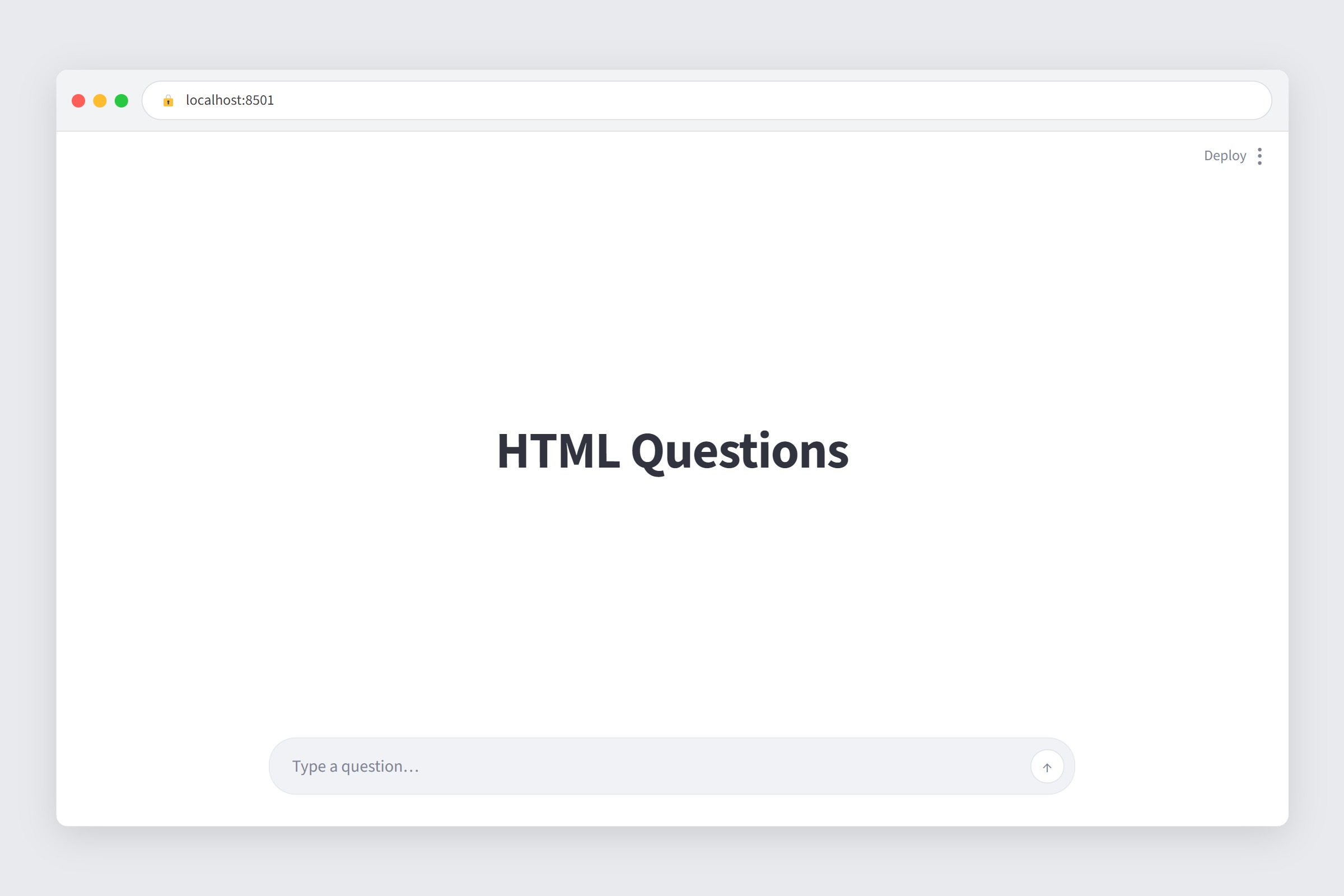
st.chat_message shows prior turns and invoke loads them into the chain on the next rerun.The demo script
streamlit_chat_message_history_demo.py runs the same two HTML <a> questions with session_id="demo-1" in session state.
Download the code
streamlit_chat_message_history_demo.py
Two HTML questions — Streamlit session state
.env. Venv from Project Setup.Run it
Activate the venv from Project Setup, set OPENAI_API_KEY in .env, then from the folder that contains the demo file:
streamlit run streamlit_chat_message_history_demo.py
st.session_state across reruns.Quick reference
StreamlitChatMessageHistory— fromlangchain_community; same.messagesinterface as in-memory.key="langchain_messages"—st.session_statekey; customize if needed.- History clears when the tab closes or cache is cleared — not durable like Redis or PostgreSQL.
- Install:
pip install streamlit langchain-community. - Docs: StreamlitChatMessageHistory · RunnableWithMessageHistory · Message history how-to · Streamlit installation.
What's Next
You have finished the Chat History & Memory module. Return to the course home for LCEL chains and later topics.